
Learn Fidrel, step by step.
Videos that show step by step how to get started and work in Fidrel. More video tutorials are on their way.
3 video tutorials

Featured
Construction project management software demo
A full walkthrough: invite the team, upload drawings, open BIM models, plan the programme, build the estimate and let Fidrel AI do the work.
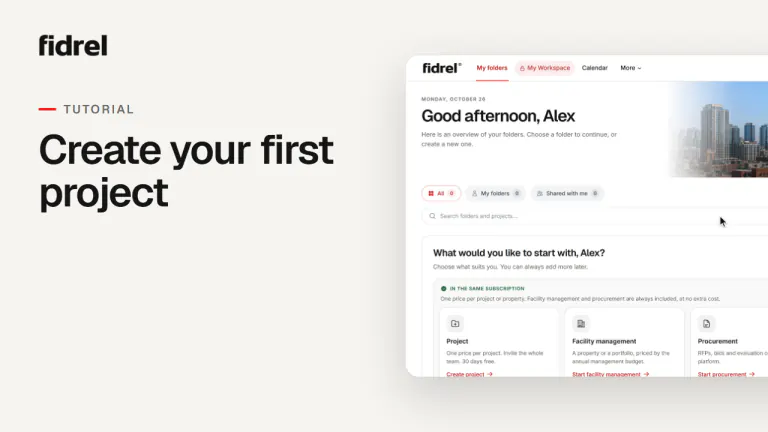
Getting started: create your first project
Create the project, upload the first drawing, invite the team with the right roles and place the project on the map – step by step.
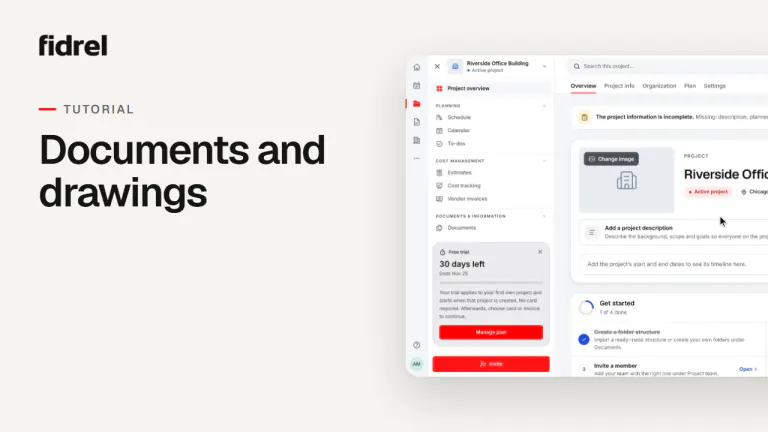
Documents and drawings in Fidrel
Upload drawings numbered from their file names, find your files, open drawings side by side, upload new versions and set their status.


Can’t find what you’re looking for?
Search the guides in the help centre, or get in touch and we’ll help you.
Fidrel on YouTube
Follow our channel to see new video tutorials as they come out.